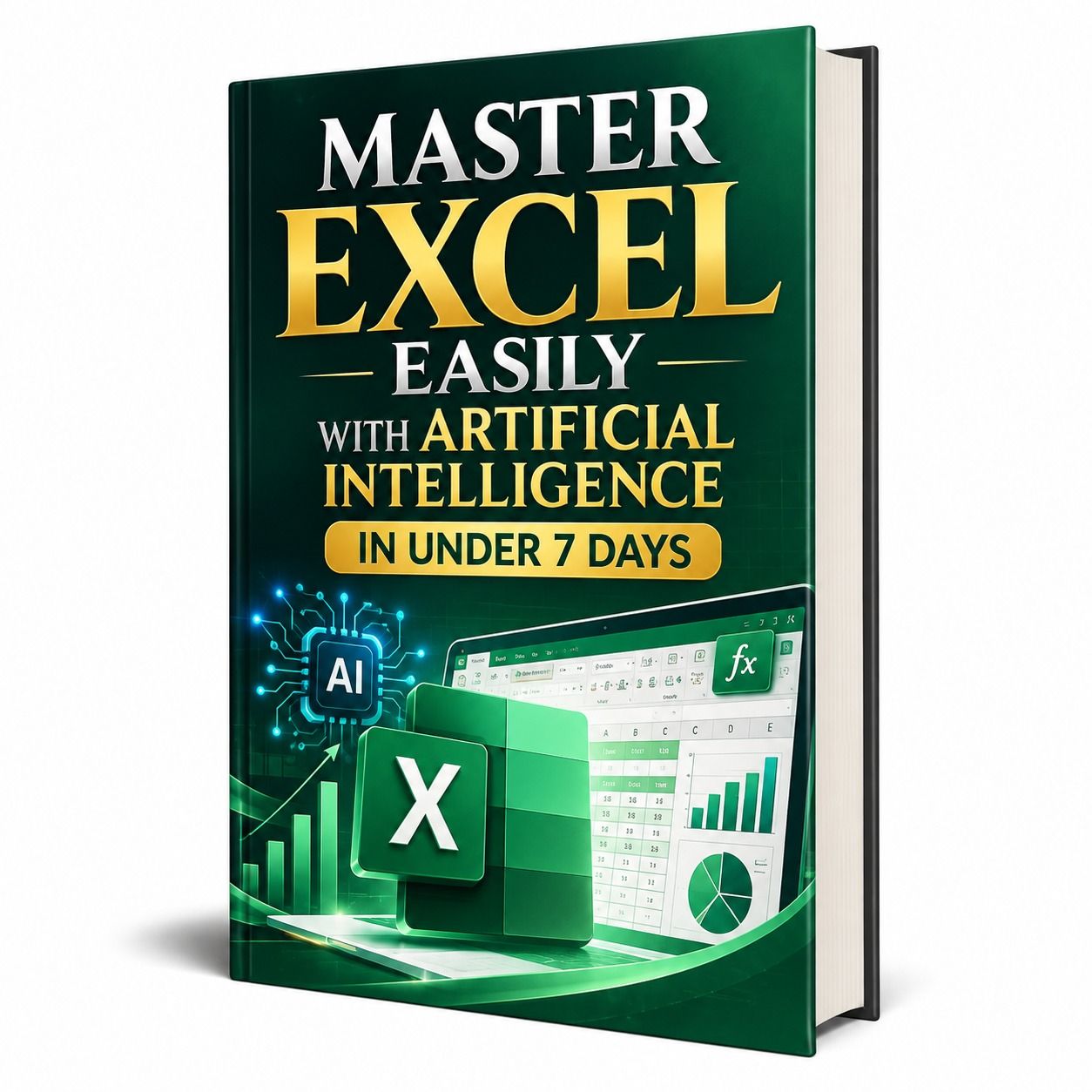
🎯 BUILD YOUR EXCEL FORMULAS, PIVOT TABLES AND DASHBOARD IN 7 DAYS WITH AI
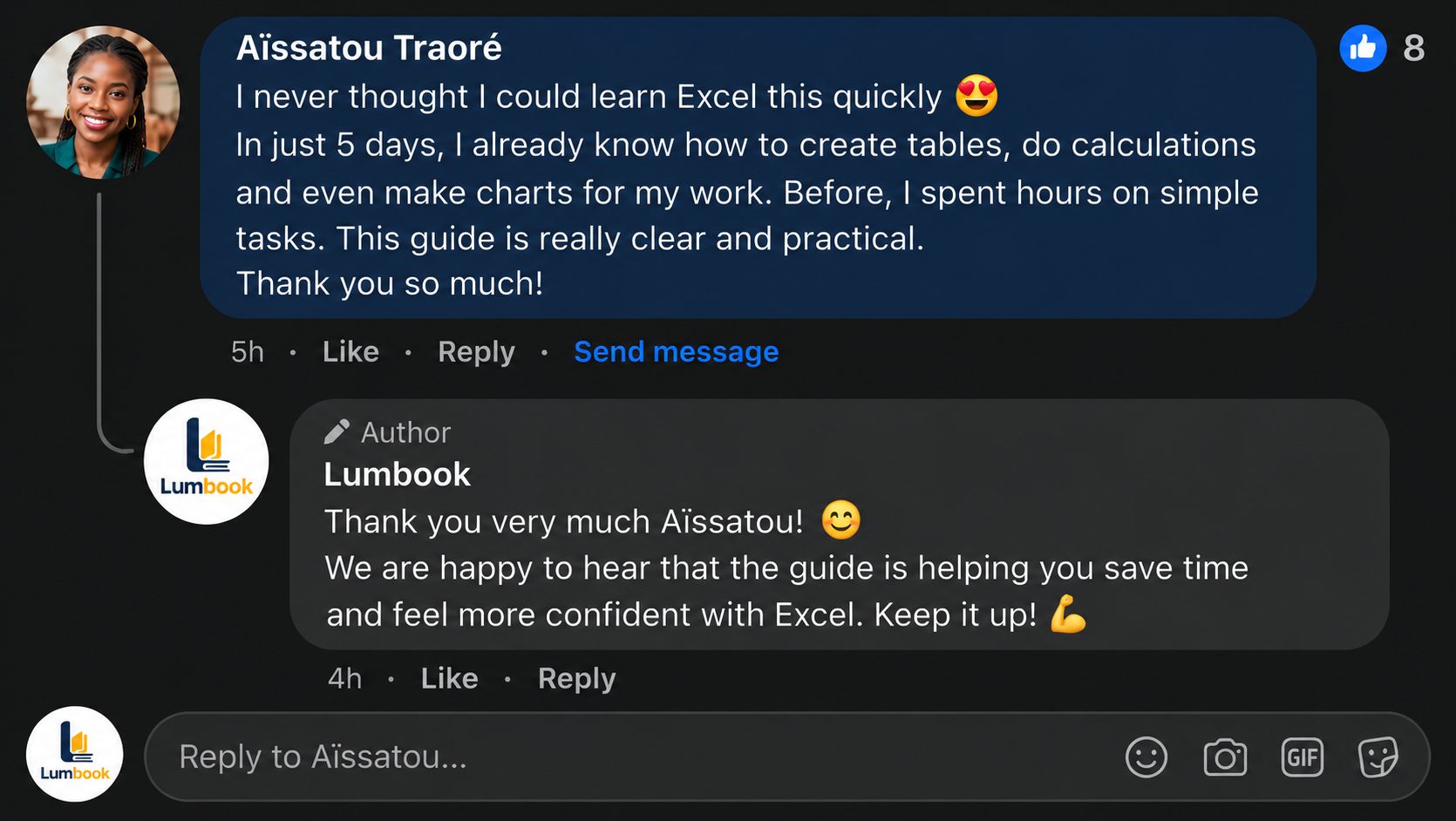
🔥 Does Excel feel like staring at a wall?
You've followed a long tutorial, copied a formula that worked on screen, then watched your own file throw an error you couldn't read. A week later, you'd forgotten it all.
😩 It's not a lack of talent. The traditional way demands that you memorize hundreds of functions and punctuation rules that forgive nothing: one missing comma and everything breaks. Meanwhile, Excel is still expected in job ads, reports and the day-to-day running of any business.
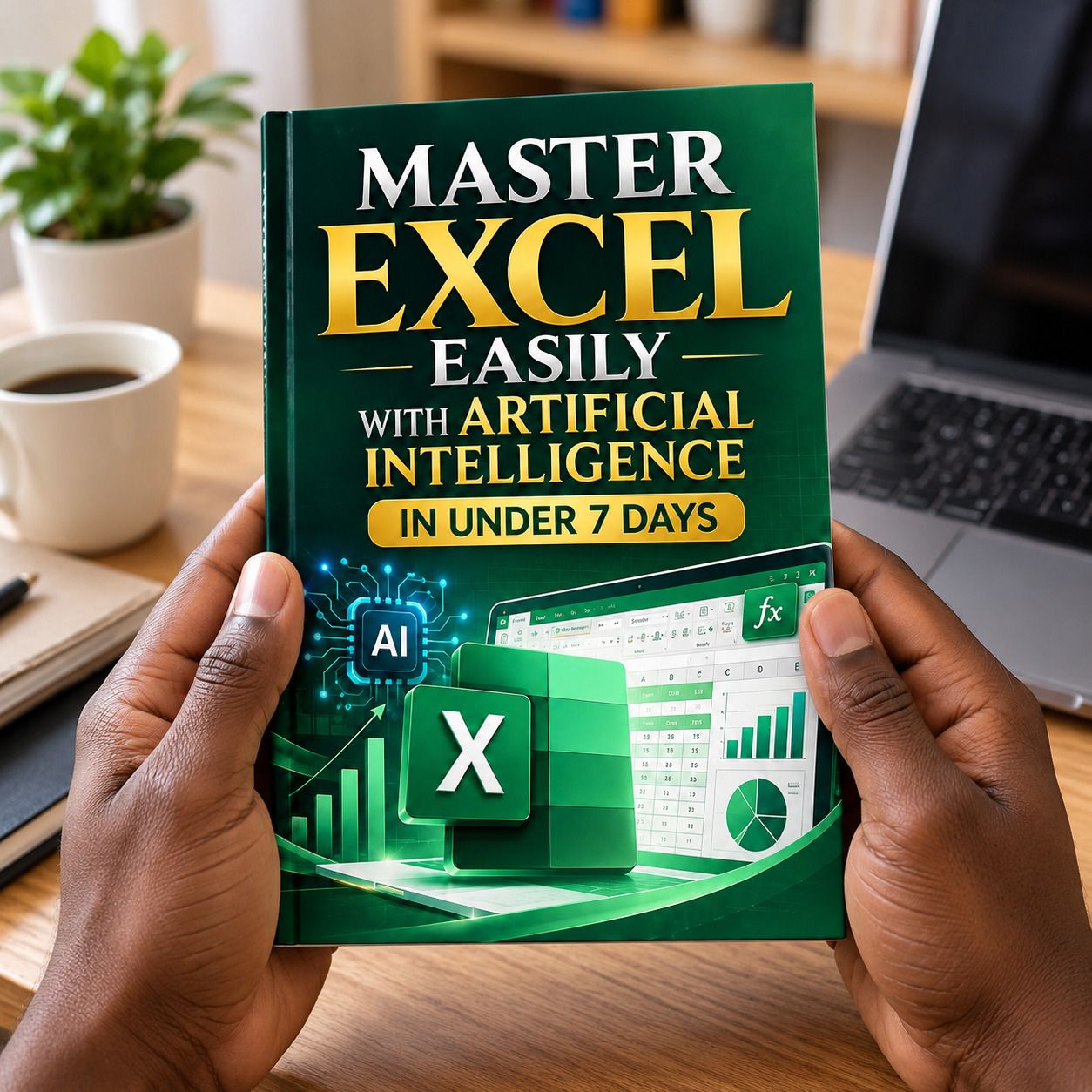
💡 The solution: learn to ask instead of memorizing
ChatGPT, Claude, Gemini or Copilot can write the formula, explain it, fix your errors and suggest how to organize your data. Your job: describe what you need clearly and check the result. Those two skills can be learned in a few days, and that is exactly what this guide teaches.
📘 Master Excel Easily With Artificial Intelligence in Under 7 Days: 78 pages, 14 chapters at 2 per day, copy-ready prompts and a hands-on practice task at the end of each chapter. Plan on 30 to 60 minutes per chapter.

📖 What you'll discover inside
📅 Day 1: the Excel screen without fear, and your AI assistant (how to choose it, how to protect your data)
📅 Day 2: the art of the prompt in 4 parts (context, data, goal, format) and how to build well-organized tables
📅 Day 3: essential formulas, then logical and conditional formulas (IF, SUMIF, COUNTIF…)
📅 Day 4: lookup functions (VLOOKUP, XLOOKUP, INDEX and MATCH) and data cleaning
📅 Day 5: sorting, filters, conditional formatting and pivot tables
📅 Day 6: charts that speak and a dashboard that updates itself
📅 Day 7: macros written by AI, error debugging and a 30-day plan to keep going
🎁 Exclusive Bonuses: you get free access to…
🎁 150 AI prompts for Excel, ready to copy and paste and sorted by theme: formulas, lookups, data cleaning, pivot tables, charts, dashboards, macros, debugging and business templates.
🎁 50 professional Excel templates, ready to adapt to your activity: monthly budget, invoices, quotations, cash flow, sales tracker, inventory, payroll, attendance, project timeline, travel budget and many more.
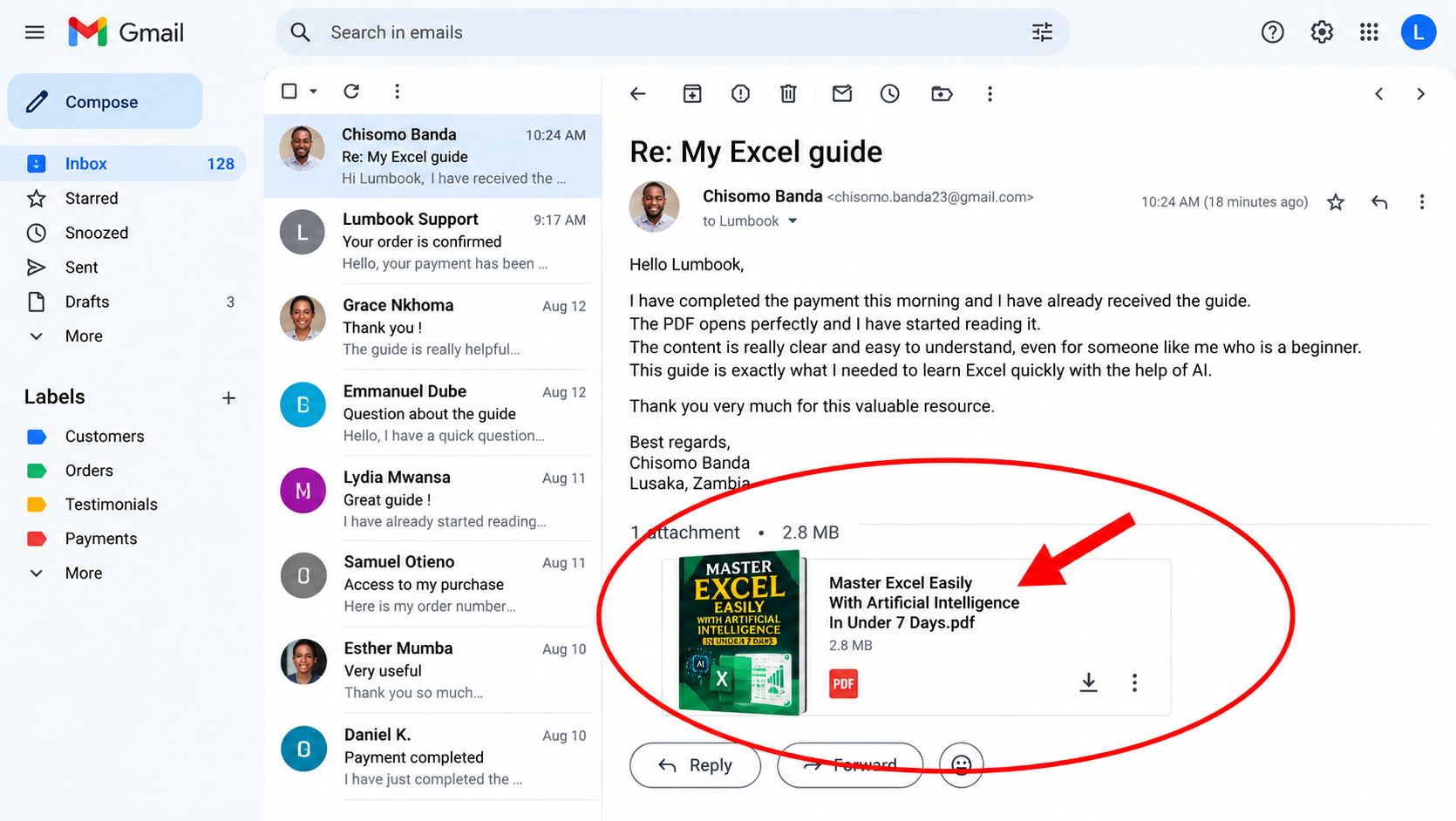
⭐ Why this guide stands out
✅ A learning order designed so you progress without getting lost
✅ Ready-to-use prompts in every chapter
✅ A practice task at each step so the skill actually sticks
✅ An honest method that also teaches you to verify the AI's answers
✅ A 30-day plan so you don't slip back into forgetting
🚀 Your turn starts now
A week from now, you can still be staring at the same file that blocks you, or you can be the person others come to for help. Excel won't get simpler on its own, but with the right method and an AI assistant, the technical barrier comes down.
👉 Get the guide, open Excel and do Day 1 today. One real file, one formula, one first result. The rest follows. ⚡
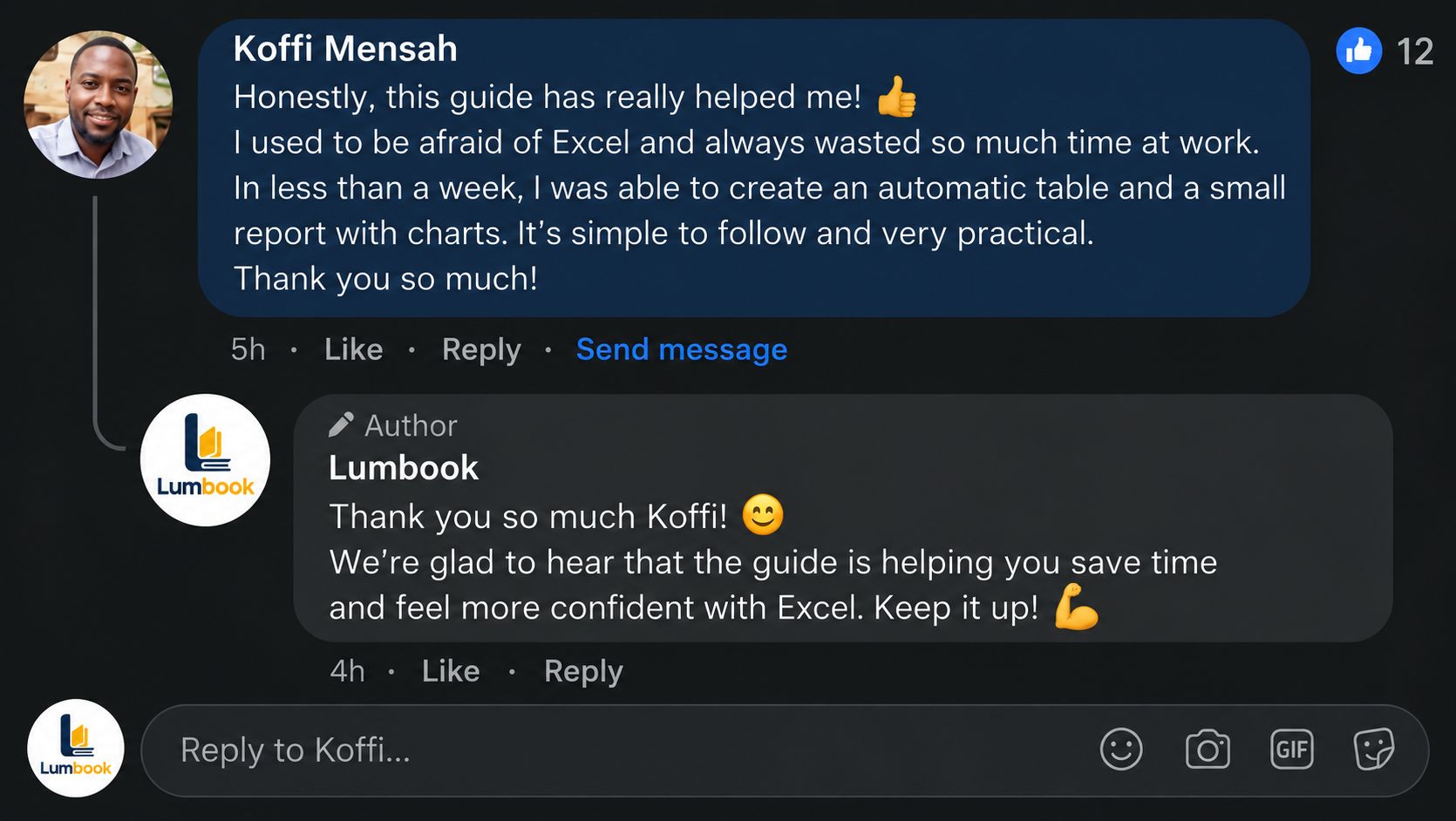
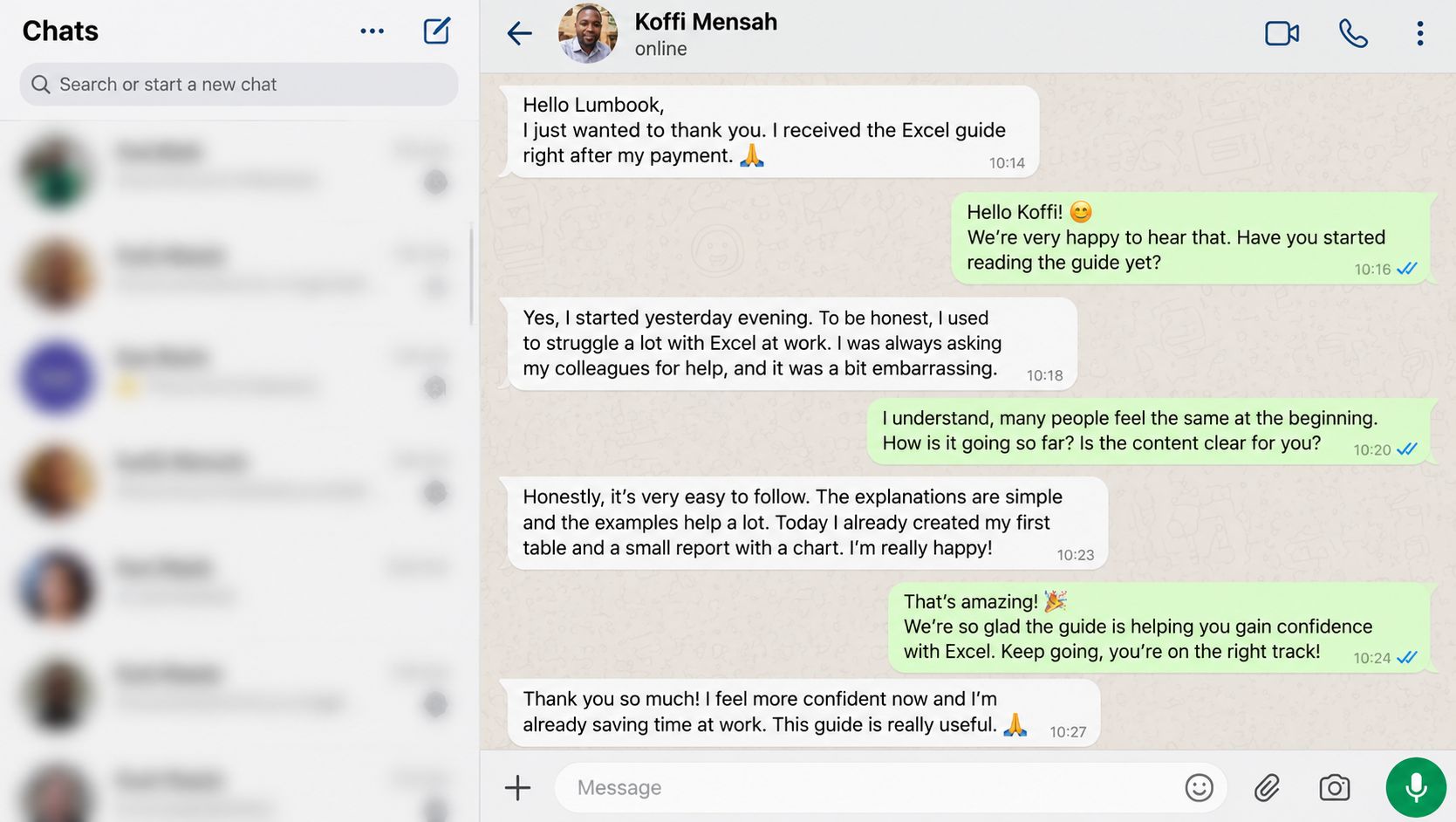
💬 Customer Testimonials
Aïcha ⭐⭐⭐⭐⭐
I run a small shop and kept my stock by hand. In three evenings I had a real sheet with a low-stock alert. The prompts are easy to adapt.
Marc ⭐⭐⭐⭐⭐
Pivot tables scared me. After the Day 5 chapter I built one on my quarterly sales. My manager noticed.
Fatou ⭐⭐⭐⭐⭐
I'm a business student. Finally understanding why I kept getting #N/A saved me a huge amount of time.
Karim ⭐⭐⭐⭐⭐
The invoice and cash flow templates saved me a whole evening. I adapted them to my business in a few minutes.
Sophie ⭐⭐⭐⭐⭐
I'm changing careers and needed Excel to apply for jobs. The 30-day plan makes me practice a little every day, and that changes everything. One remark: you really have to keep Excel open while reading, or you learn nothing. The guide says so from the start, and it's right.
Yannick ⭐⭐⭐⭐⭐
A two-hour weekly task now takes a few clicks thanks to a macro generated by AI. The Day 7 safety rules put my mind at ease.
Nadia ⭐⭐⭐⭐⭐
I've never been comfortable with numbers. I built my first dashboard on my own. I couldn't believe it.
⚡ Your first day with Excel and AI starts the moment you click. 🚀