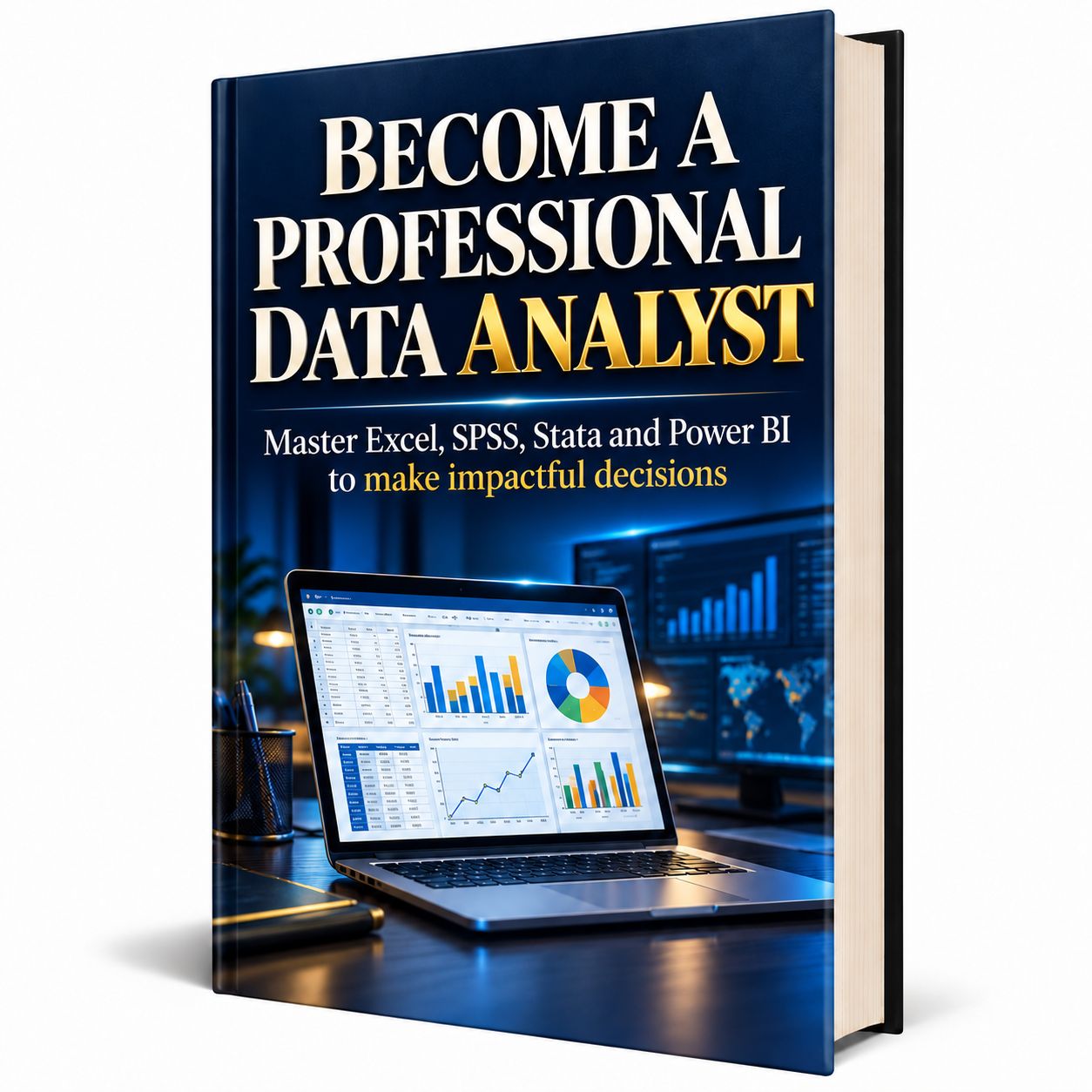
🎯 Turn Your Data into Reliable Analyses, Dashboards, and Projects You Can Show Recruiters .
Want to become a data analyst… but don’t know where to start?
Between statistics, Excel formulas, and unfamiliar software, it’s easy to feel overwhelmed and question your abilities.
📊 What you need is a clear path to learn, practice, and produce concrete results.

📘 A Practical Guide to Help You Get Started
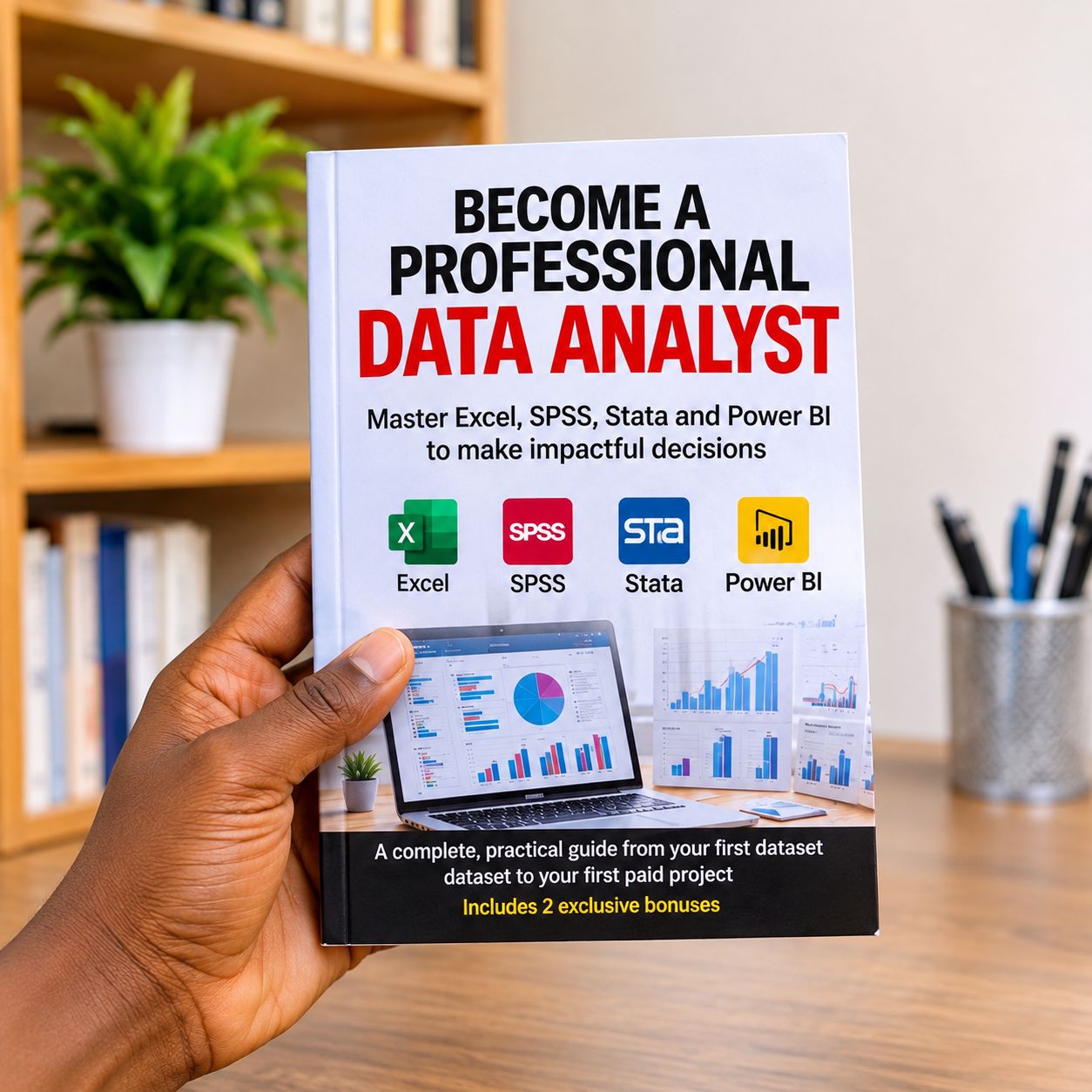
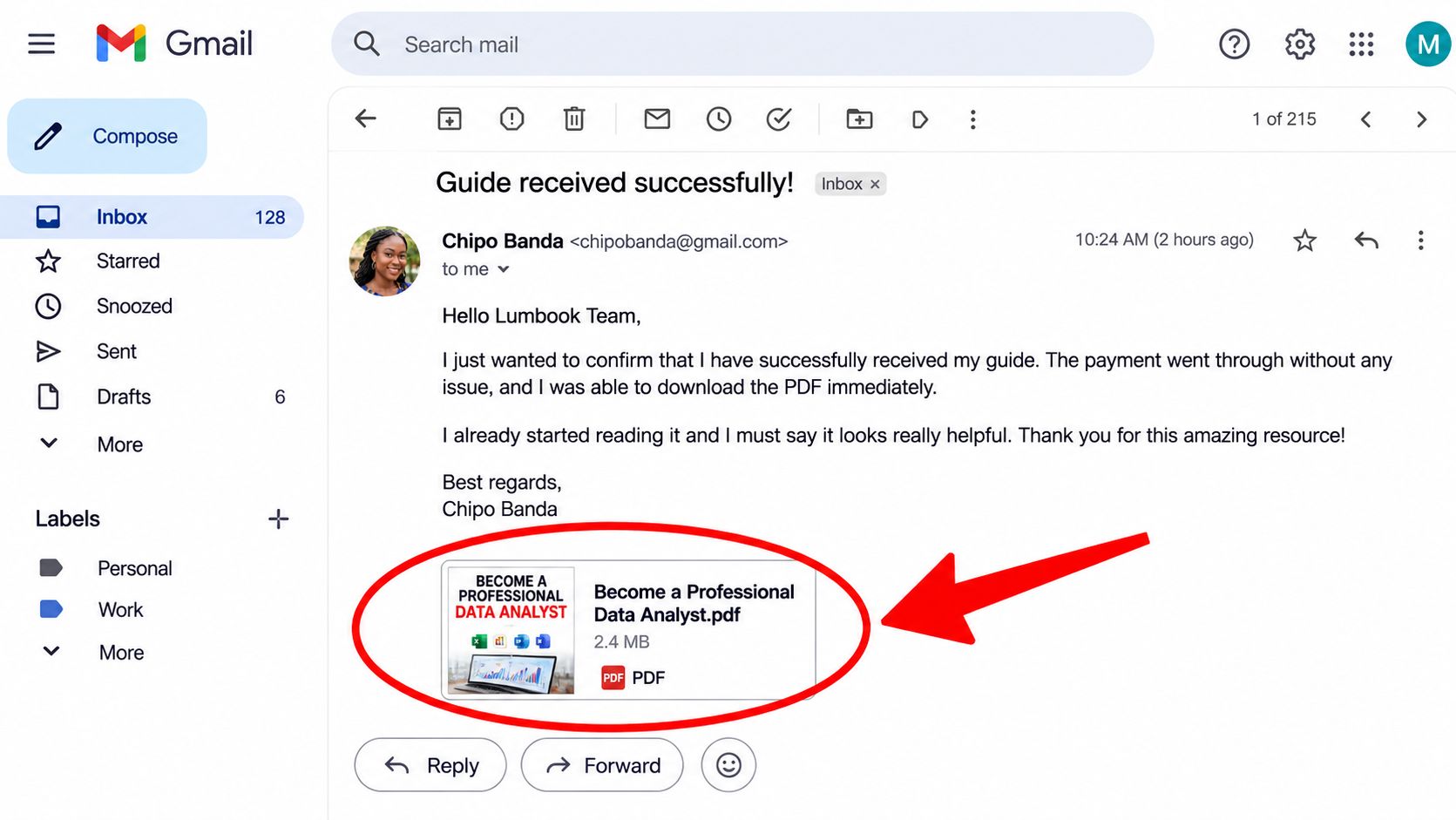
Become a Professional Data Analyst is a 120-page PDF guide, written in English, that walks you through the essential stages of a data analyst’s work.
Learn to prepare data, choose suitable analytical methods, interpret results, and present your findings clearly using Excel, SPSS, Stata, and Power BI.
You can start without previous data analysis experience. Concepts are introduced progressively, with examples and exercises you can work through on your computer.
🔍 Here’s What You’ll Discover Inside
✅ The Foundations of the Data Analyst Profession
Understand the role, the skills employers expect, and how to turn a broad problem into measurable questions.
✅ Statistics Explained Simply
Explore averages, measures of spread, statistical tests, and regression so you can understand your results and select appropriate methods.
✅ Data Collection and Cleaning
Learn to structure questionnaires, identify duplicates, handle missing values, and prepare usable datasets.
✅ Excel for Analysis and Greater Efficiency
Practice essential formulas, PivotTables, charts, and Power Query.
✅ SPSS and Stata for Statistical Analysis
Discover essential commands and procedures, then learn to read and explain the results.
✅ Power BI for Interactive Dashboards
Explore data preparation, data modelling, introductory DAX measures, and clear KPI presentation.
✅ Three Guided Projects to Build Your Portfolio
Work through a customer satisfaction survey, a sales performance analysis, and a training impact evaluation.
✅ A 90-Day Action Plan
Organise your learning and prepare to search for a job or your first freelance assignments.
🎁 Exclusive Bonuses — Get Free Access To…
BONUS 1 — 21 Excel and Power BI Template Blueprints to Recreate and Adapt
Access structures, indicators, formulas, and practical guidance for building sales trackers, cash flow tools, inventory reports, HR dashboards, and more.
BONUS 2 — 77 Copy-and-Paste Formulas and Commands
An integrated reference featuring 35 Excel formulas, 20 SPSS commands, and 22 Stata commands, complete with syntax and a brief explanation of their purpose.
💡 Why Choose This Guide?
🎯 A structured, 15-chapter learning path, from the foundations to practical projects.
🛠️ A hands-on approach, with examples, exercises, and practice data included in the document.
📊 Four complementary tools, introducing different ways to analyse and present your data.
💼 A focus on practical deliverables, helping you develop your portfolio, reports, and ability to demonstrate your skills.
Work at your own pace. Every exercise you complete is an opportunity to deepen your understanding and show what you can do.
🚀 Start Building Your Skills Today
Your first project begins with a decision—and grows through practice.
Get the guide, open your computer, and complete your first exercise. Follow a clear path towards analyses you can confidently explain and present.
👉 Buy your guide and start your first data analysis project.

💬 Customer Testimonials
Sarah ⭐⭐⭐⭐⭐
“The learning path helped me organise my studies. I finally knew what to work on after learning my first Excel formulas.”
Thomas ⭐⭐⭐⭐⭐
“The data cleaning examples helped me understand why my results varied between files. I now check my data more carefully.”
Aisha ⭐⭐⭐⭐⭐
“I used to feel intimidated by statistics. The explanations helped me revisit the basics, although some exercises took a few attempts.”
Julian ⭐⭐⭐⭐⭐
“I particularly enjoyed the sales project. It gave me a framework for preparing an analysis and explaining my conclusions.”
Grace ⭐⭐⭐⭐⭐
“The command reference is useful during the exercises. I can find the Stata syntax I need much more easily.”
Mark ⭐⭐⭐⭐⭐
“I wanted an introduction to Power BI with a clear learning sequence. The guide helped me connect data preparation with dashboard building.”